Deleting your account
The account owner can delete a Sill account from Account settings → Danger. Deletion takes your sites offline at once, and you then have 30 days to change your mind. After that, personal data is erased for good.
Delete your account
Section titled “Delete your account”- Open Account settings → Danger.
- Click Email me a confirmation code. Sill emails an 8-character code to your address. The code expires after 10 minutes.
- Enter the code, then type
delete my accountin the confirmation box. - Click Confirm account deletion.
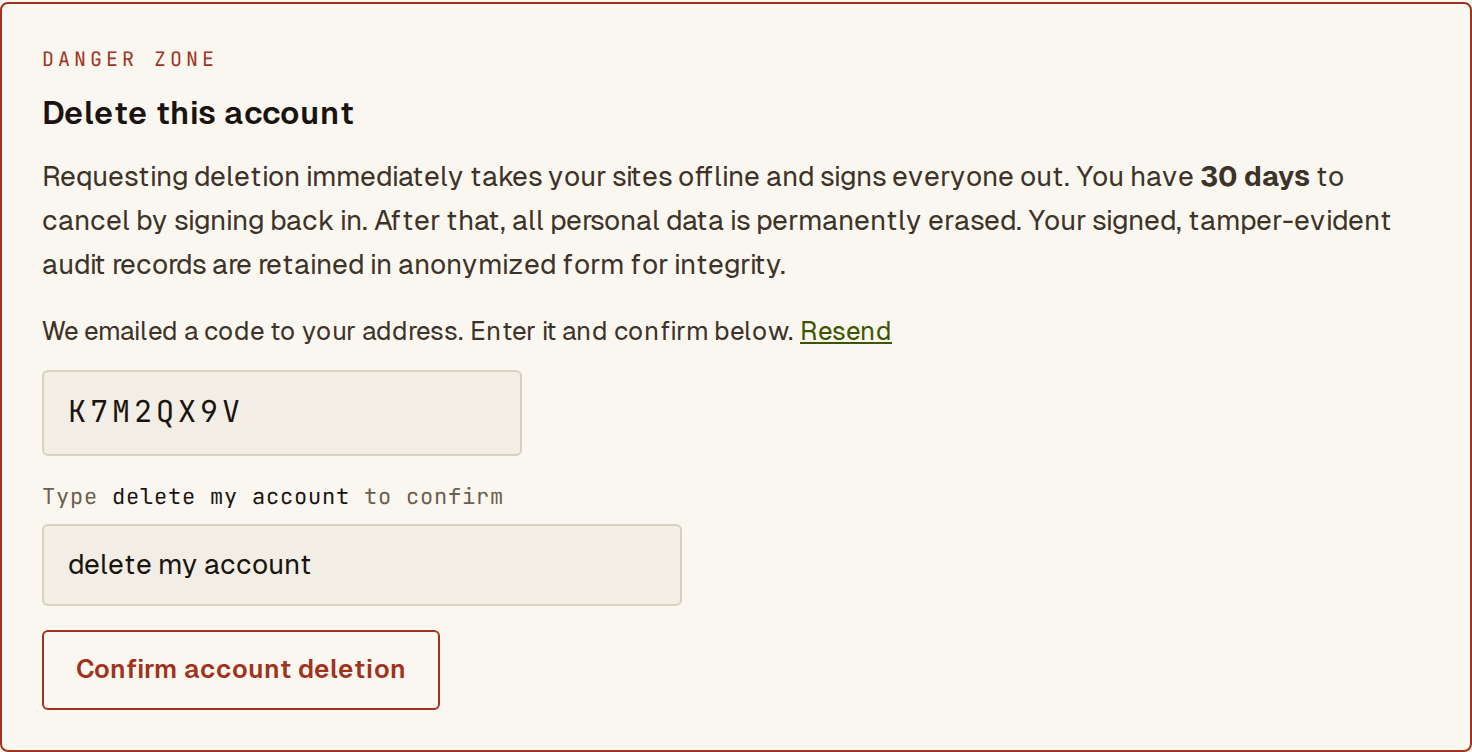 The Danger tab after the code was sent: enter the code, type the phrase, then confirm.
If the code has expired or you mistype it, click Resend for a new one. A wrong code does not sign you out.
Only the owner sees these controls; other members see Only the account owner can delete the account.
What happens straight away
Section titled “What happens straight away”- Your sites go offline, so agents can no longer reach them.
- Everyone on the account is signed out, including you.
- The 30-day window to cancel starts. Nothing is erased during it.
You return to the sign-in page with a note that the account is scheduled for deletion.
Cancel within 30 days
Section titled “Cancel within 30 days”- Sign in with your usual magic link.
- In the Deletion scheduled banner at the top of the dashboard, click Cancel deletion & restore. You can also cancel from Account settings → Danger.
Your sites come back online and the account works as before.
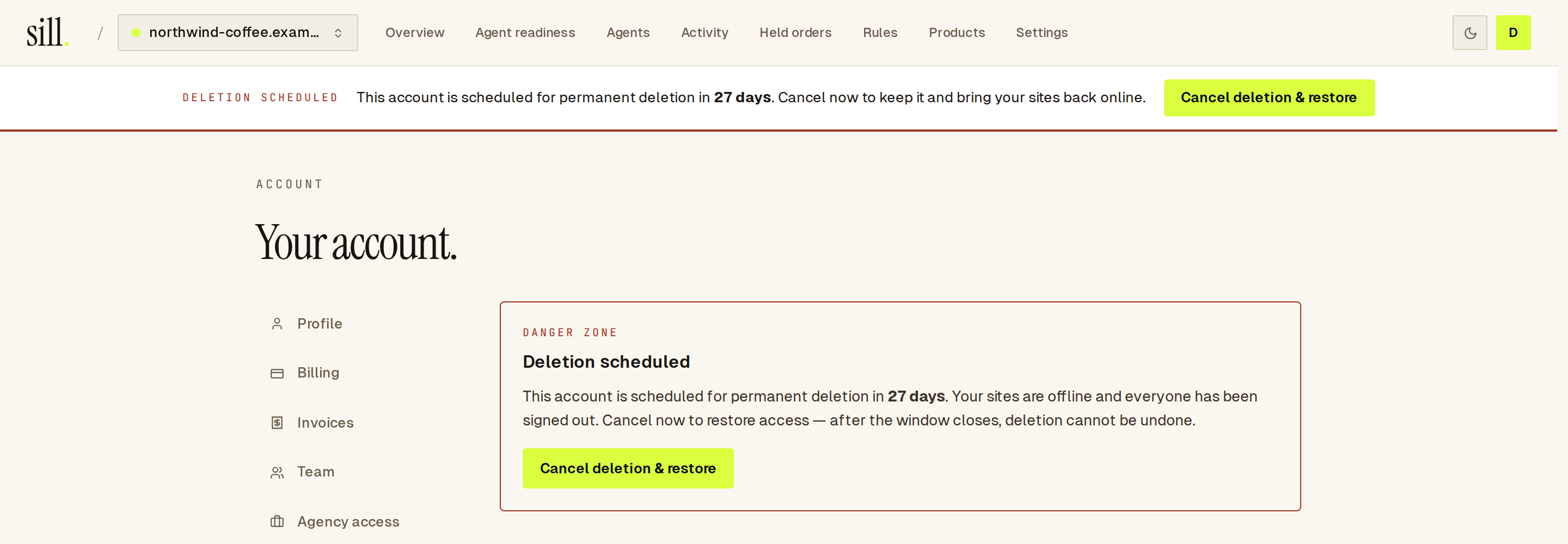 The banner shown while deletion is scheduled, with Cancel deletion & restore.
After the 30 days
Section titled “After the 30 days”After the 30 days, the deletion is completed and cannot be undone:
- Personal data is erased — the owner’s and members’ details, connector credentials, buyer details and contact information.
- Signed audit records are kept in anonymized form. They hold no personal data, and keeping them means records already shared, such as exported audit bundles, can still be verified.
- Backups — erased data also leaves Sill’s encrypted backups within 35 days, as older backups are replaced.
At a glance
Section titled “At a glance”| Stage | When | What happens |
|---|---|---|
| Request | You confirm with the emailed code | Sites offline, everyone signed out |
| Cancel window | The next 30 days | Sign in and cancel to restore everything |
| Deletion | After the 30 days | Personal data erased; anonymized audit records kept |
See also
Section titled “See also”- Account settings — where the Danger tab lives.
- Users and roles — only the owner can delete the account.
- Security — how Sill retains and deletes data.